Sage 100 Contractor Server Migration
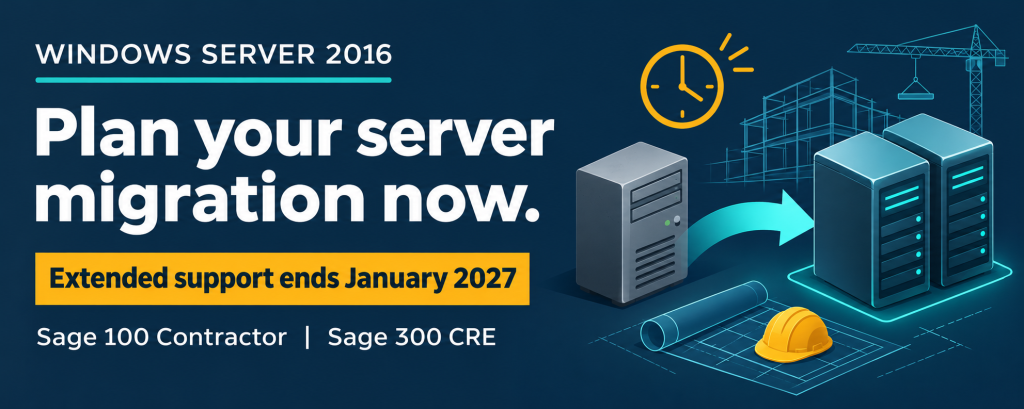
Running Sage 100 Contractor on Windows Server 2016? Plan your move now.
Windows Server 2016 reaches the end of extended support in January 2027. If your Sage 100 Contractor environment still runs on this platform, now is the time to assess your requirements and schedule a migration.
ERP Consulting Pro helps construction and service businesses move Sage 100 Contractor to a new server with attention to accounting operations, payroll deadlines, company databases, reporting, and workstation access.
Request a Migration Assessment
Existing Client? Open a Migration Ticket
Give your migration the planning time it needs
Your Sage environment supports essential daily activities. Moving it requires coordination across your accounting team, IT provider, software configuration, and business calendar.
Starting now gives you time to confirm the supported destination, identify dependencies, test backups, and agree on a suitable transition window.
If you need additional time on Windows Server 2016, we can help you assess the migration requirements alongside your IT provider’s review of Microsoft’s Extended Security Updates options.
What we review before the move
Our assessment establishes the scope of your migration and identifies the work required before a cut-over can be scheduled.
- Your Sage 100 Contractor version, edition, and update level.
- Destination Windows Server and SQL Server compatibility.
- Company databases, database sizes, and backup arrangements.
- Sage licensing and authorization requirements.
- Custom reports, report forms, attachments, and customizations.
- Third-party applications, integrations, and scheduled tasks.
- User permissions, workstation connections, and remote access arrangements.
- Payroll, billing, reporting, and year-end processing deadlines.
The destination server and any application upgrades are confirmed against the requirements for your Sage version.
How we approach your migration
Assess the environment
We review your current installation, document dependencies, and identify compatibility or maintenance work that may affect the move.
Prepare and test
Working with your IT provider where appropriate, we prepare the Sage environment on the destination server and establish backup, validation, and rollback procedures.
Coordinate the cut-over
We agree on responsibilities and a transition window around your business operations. Downtime requirements depend on the size and condition of your environment and the work involved.
Validate business workflows
After the move, we check agreed workflows with your team. These may include user access, company selection, payroll, job costing, billing, reporting, and connected applications.
What to have ready
To begin an assessment, tell us your Sage version, current server operating system, approximate number of users, number of company databases, and preferred timing.
Also identify your IT contact and any payroll or billing deadlines that the migration must accommodate.
Share technical details through an agreed secure channel. Keep passwords, employee information, banking details, and database backups out of the initial inquiry.
Frequently asked questions
Can we keep our current Sage 100 Contractor version?
That depends on its compatibility with the destination environment and the requirements of your integrations. We review the installed version before recommending whether an application upgrade should accompany the server move.
Will there be downtime?
A cut-over normally requires a period when users stop processing so the final data can be transferred and validated. We establish the expected window during planning.
Can you work with our IT provider?
Yes. We can coordinate Sage application requirements and validation with the team responsible for server infrastructure, networking, security, and backups.
Can we migrate during payroll or year-end?
Timing needs careful review. Contact us early so we can plan around processing deadlines and identify any application or payroll updates required.
Start with a migration assessment
Tell us about your Sage environment and the timing you have in mind. We will review the requirements with you and establish the next steps.
Request a Sage 100 Contractor Migration Assessment
Existing Client? Open a Migration Ticket
ERP Consulting Pro
Calgary, Alberta
Cell 403-690-5098 · Office 403-971-3802
Microsoft Windows Server 2016 lifecycle · Sage 100 Contractor migration guidance