Sage 300 CRE Server Migration
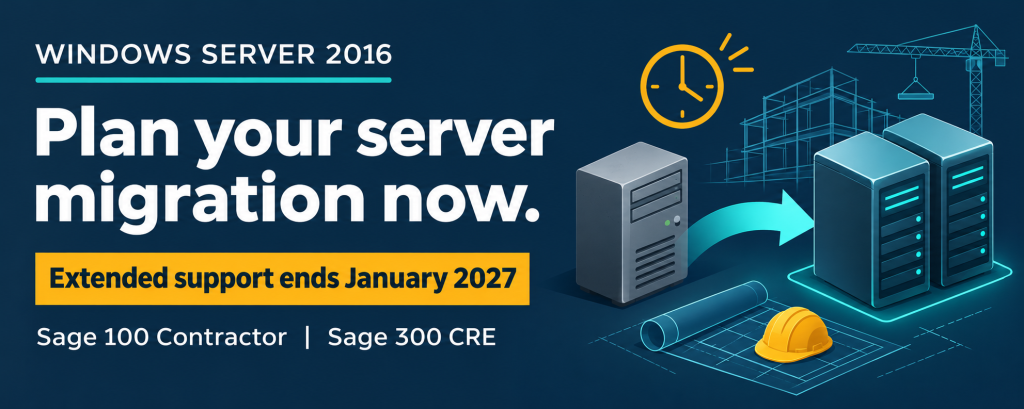
Move your Sage 300 CRE environment off Windows Server 2016 with a coordinated plan.
Windows Server 2016 reaches the end of extended support in January 2027. If it hosts your Sage 300 Construction and Real Estate environment, begin planning your transition now.
ERP Consulting Pro helps businesses assess, prepare, and migrate Sage 300 CRE while coordinating application requirements with accounting operations and the supporting IT infrastructure.
Request a Migration Assessment
Existing Client? Open a Migration Ticket
Account for the whole Sage environment
A Sage 300 CRE installation may connect accounting, payroll, job cost, contracts, reporting, documents, and other business applications.
A successful server move requires a clear understanding of those connections. Planning early gives your team time to confirm compatibility, prepare the destination, test recovery arrangements, and schedule the cut-over around operational deadlines.
If migration will extend beyond the Windows Server 2016 support period, coordinate an interim security plan with your IT provider, including a review of Microsoft’s Extended Security Updates options.
What we review before the move
The assessment identifies the applications, data, and dependencies that need to be included in your migration.
- Your Sage 300 CRE version, installed modules, and update level.
- Supported server operating systems and database components.
- Company data folders, shared locations, and access permissions.
- Licensing, installation media, and application prerequisites.
- Custom reports, forms, reporting connections, and scheduled processes.
- Connected products, document workflows, and third-party integrations.
- Workstation installations and connection requirements.
- Backup and recovery procedures.
- Payroll, billing, reporting, and year-end deadlines.
Sage identifies its Migration Tool as the preferred method for moving Sage 300 CRE to another server. We review the appropriate migration method for your installation and confirm any additional work needed for connected products.
How we approach your migration
Document the current installation
We review your Sage applications, data locations, reporting arrangements, and dependencies to establish the migration scope.
Confirm the destination
We coordinate with your IT provider to confirm the supported server environment, required components, access arrangements, and responsibilities.
Prepare the transition
We establish the migration sequence, backup requirements, validation checks, and rollback plan before agreeing on the cut-over window.
Complete the move and validate
Following the migration, we work with your team to check agreed workflows, user access, reports, and connected applications before returning the environment to normal use.
What to have ready
For an initial assessment, provide your Sage 300 CRE version, installed modules, current server operating system, approximate user count, and preferred migration timing.
Identify any connected applications, custom reporting tools, and business deadlines. Include your IT provider’s contact details if they will be preparing the new server.
Share technical details through an agreed secure channel. Keep passwords, employee information, banking details, and company data files out of the initial inquiry.
Frequently asked questions
Does moving the server also require upgrading Sage 300 CRE?
It may. We check the installed release against the destination server requirements and review the compatibility of connected products before recommending an upgrade path.
Will our custom reports and integrations move with the application?
They need to be identified and included in the plan. Some reporting connections, file paths, permissions, or integration settings may require changes and separate validation.
Can you coordinate with our IT provider?
Yes. We can coordinate the Sage application migration and business validation with the team responsible for the destination server, networking, security, and backups.
How long will the migration take?
The scope depends on your Sage version, data, installed modules, integrations, and server readiness. An assessment is needed to estimate the work and agree on a realistic downtime window.
Arrange your migration assessment
Contact ERP Consulting Pro to review your current Sage 300 CRE installation and plan the move to a supported server environment.
Request a Sage 300 CRE Migration Assessment
Existing Client? Open a Migration Ticket
ERP Consulting Pro
Calgary, Alberta
Cell 403-690-5098 · Office 403-971-3802
Microsoft Windows Server 2016 lifecycle · Sage 300 CRE migration guidance